WeChat and all-on sensing
PBL30 and PBL42 offer WeChat setup. PBL36 is a two-wire carrier all-on model. PBL42 does not support auxiliary flowing strips.
Product category
Choose between all-on sensing, sequential lighting, color effects and Mi Home integration.
Content previewProduct information and specifications are selection drafts. Confirm the model before ordering.
Lighting controller
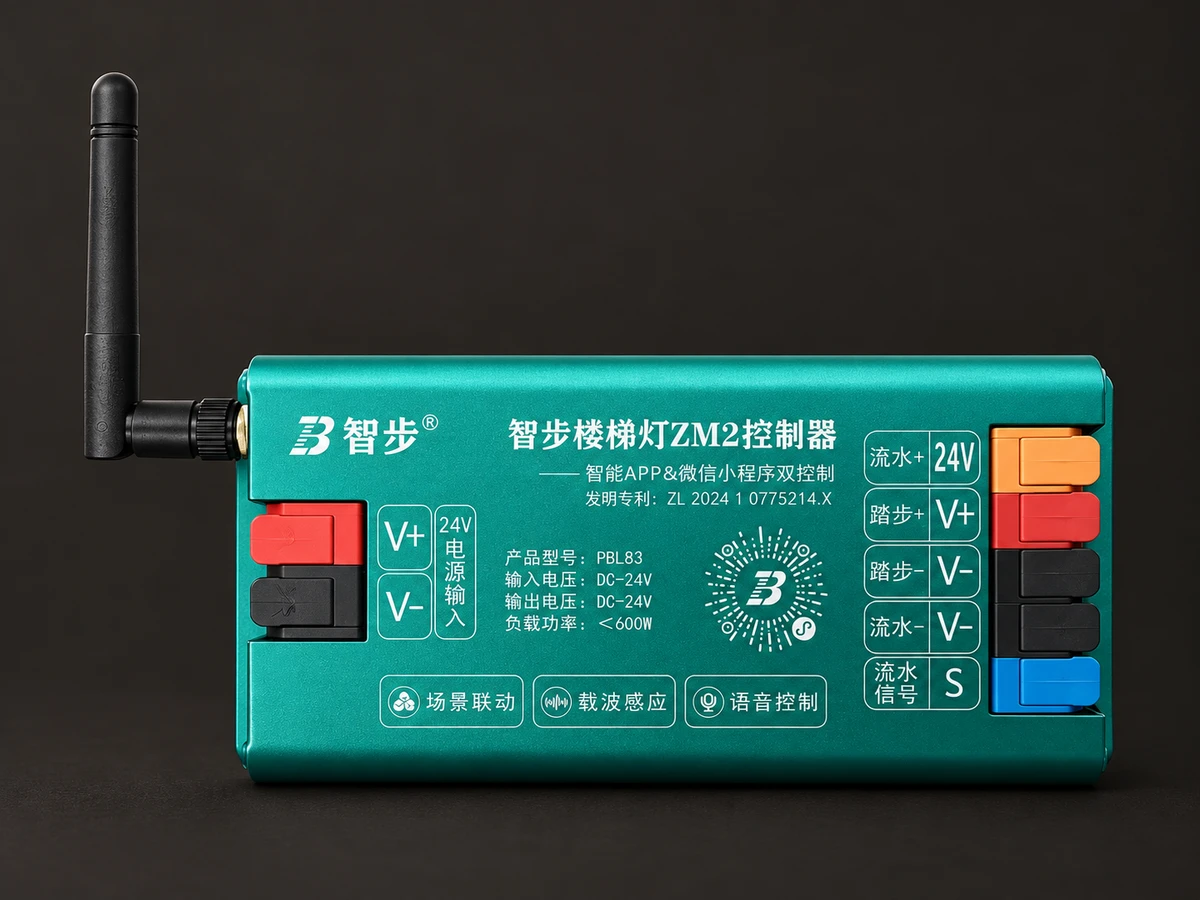
PBL30, PBL42, PBL36, PBL91, PBL92, Mi Home ZM1 (PBL80) and ZM2 (PBL83) serve different configurations. PBL36 switches the lights on together rather than providing sequential flow. RGBW and five-color models also require different matching strips. Confirm the chosen model and revision before ordering.
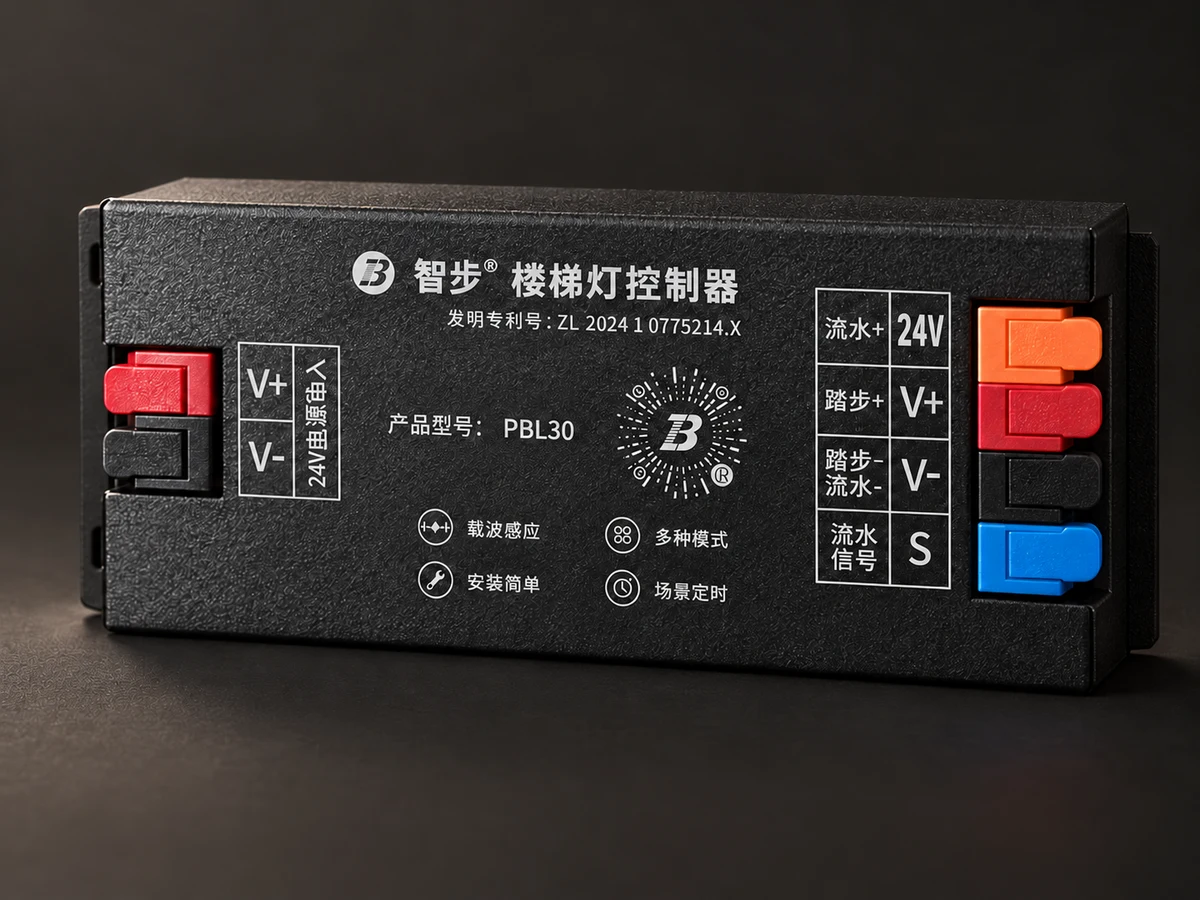
PBL30 and PBL42 offer WeChat setup. PBL36 is a two-wire carrier all-on model. PBL42 does not support auxiliary flowing strips.
ZM1 (PBL80) and ZM2 (PBL83) support Mi Home and WeChat. Remote control and automation require a compatible gateway.
PBL91 requires the specified gold and ice-blue dual-CCT strip for five-color effects. PBL92 is an RGBW model with separate specifications.
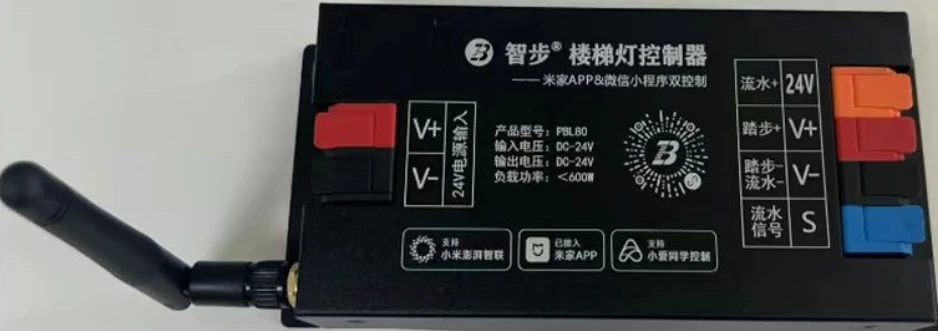
Mi Home and WeChat control in a black metal housing. Confirm the gateway and matching components for the selected revision.
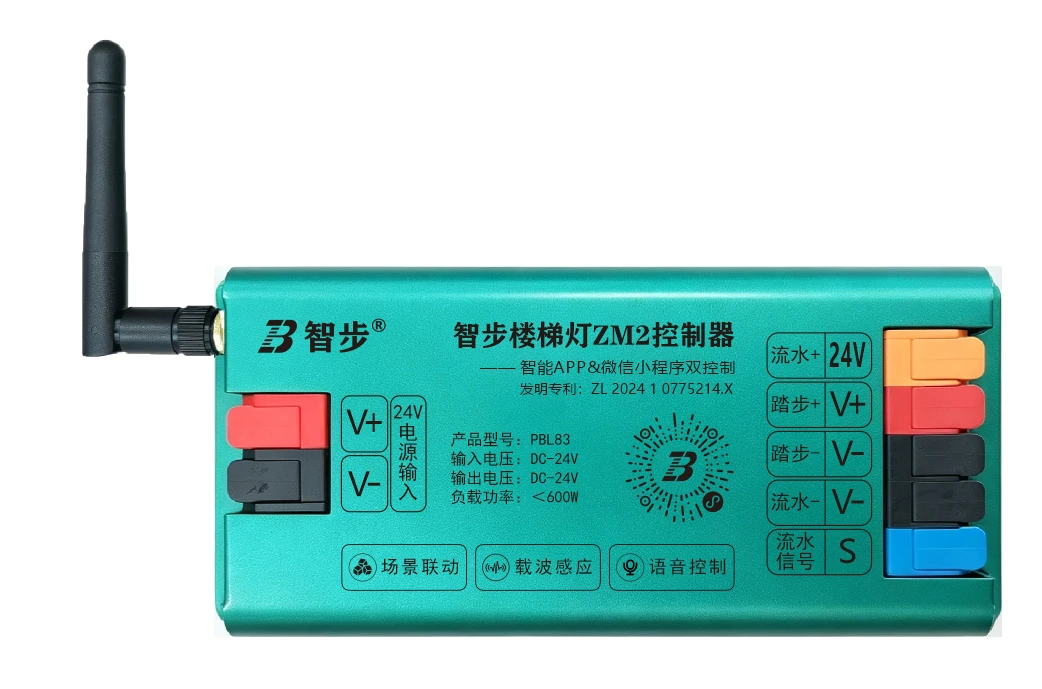
Green metal housing with Mi Home and WeChat control. Match the module and controller to the strip wiring.
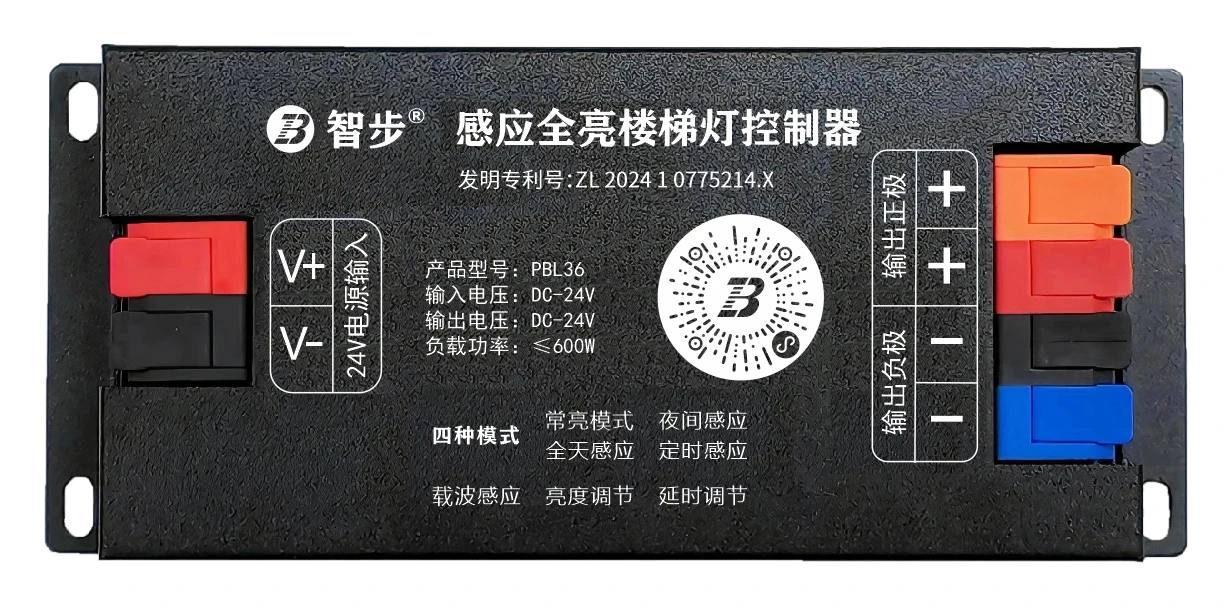
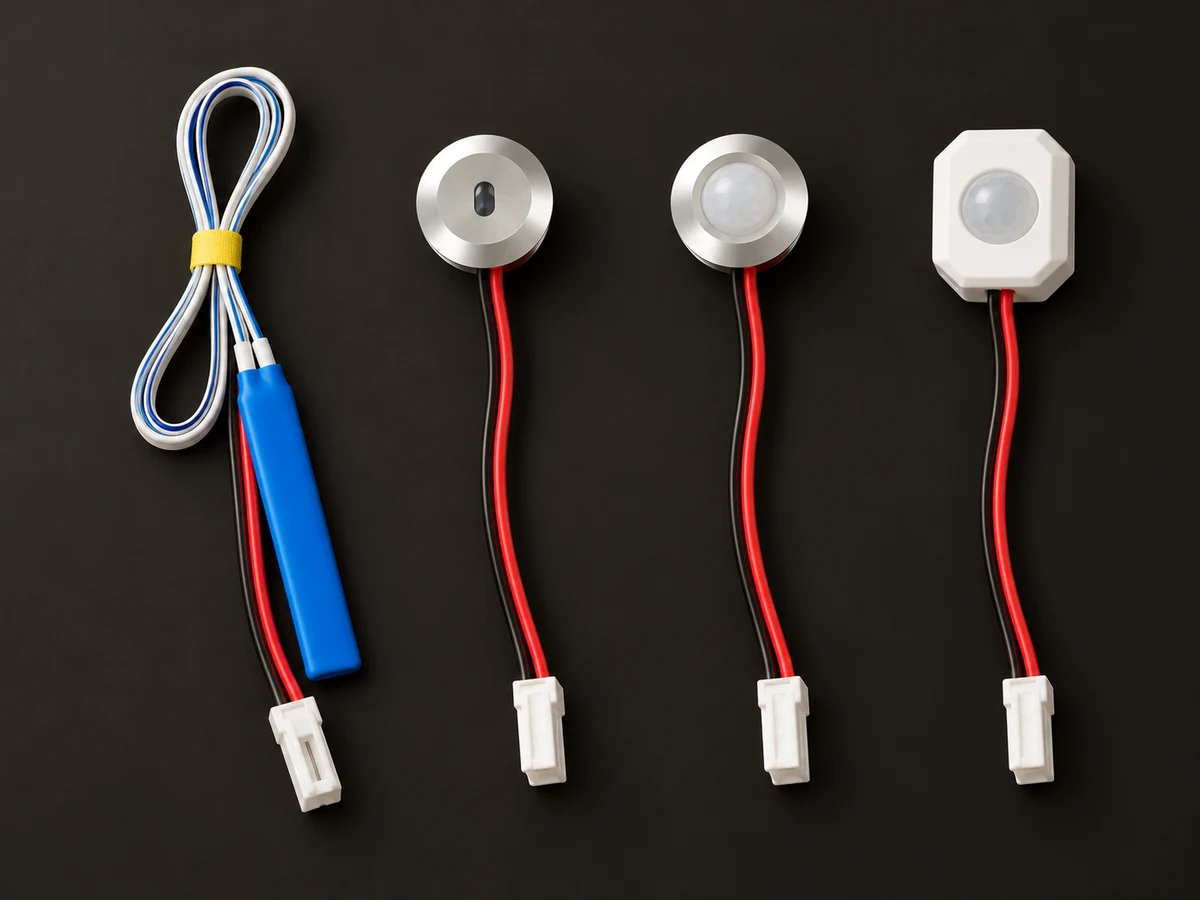
Two-wire carrier sensing switches the lights on together for an all-on configuration.
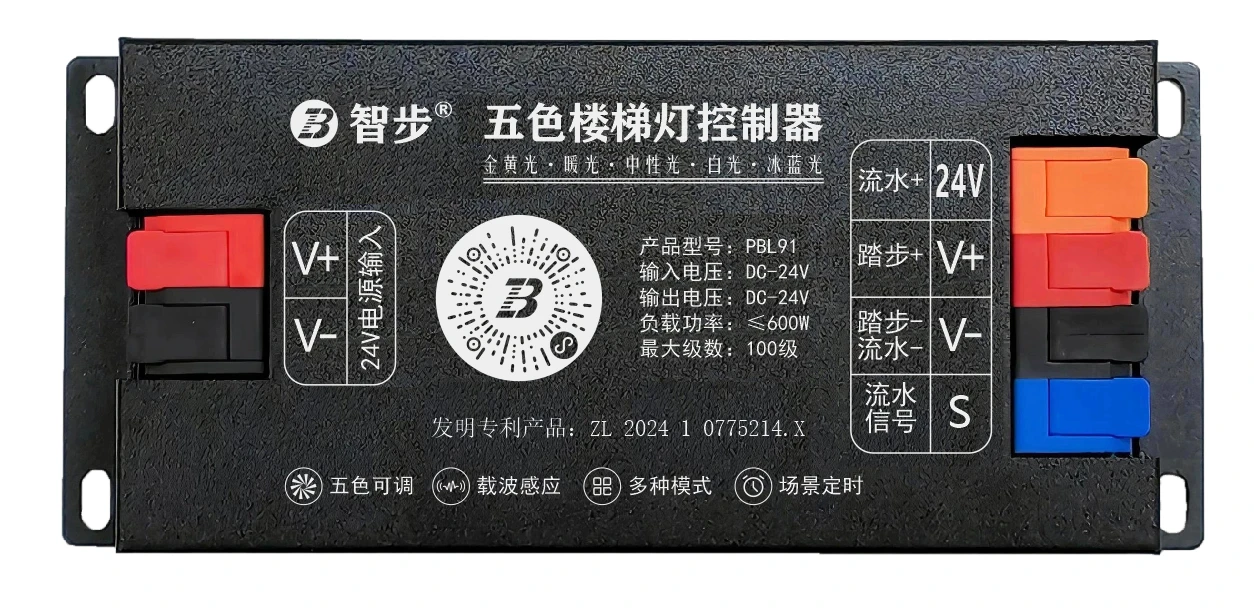
Five-color effects require the specified gold and ice-blue dual-CCT strip. Confirm the complete matching kit.
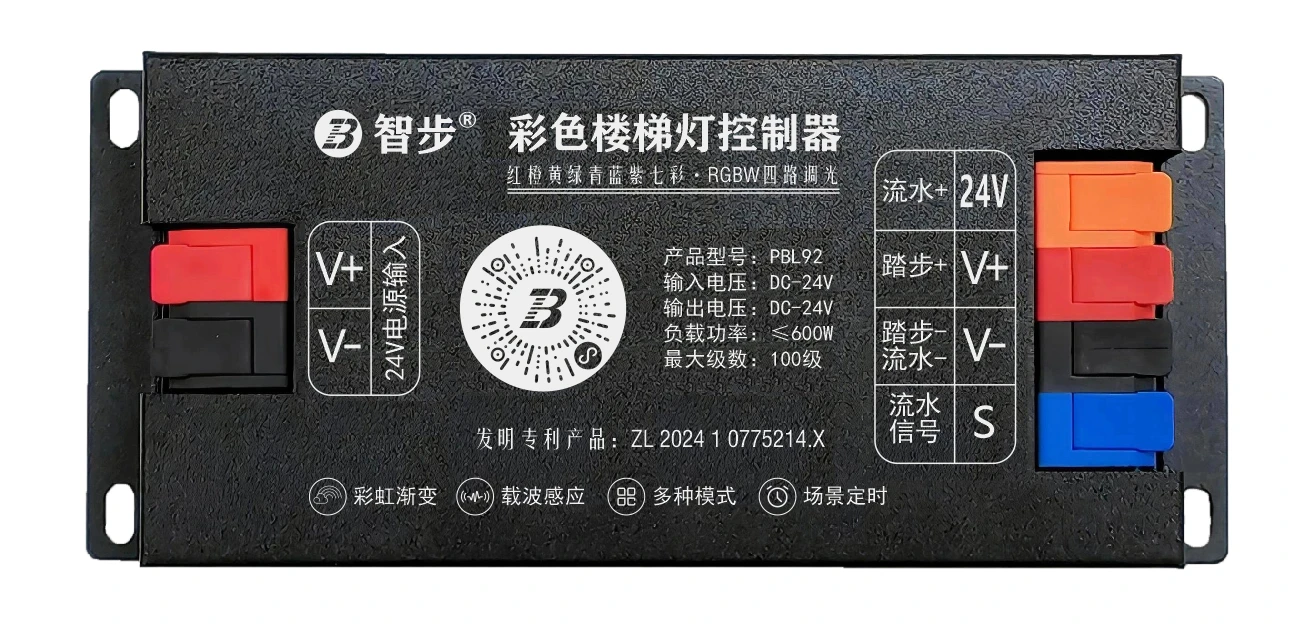
Color stair-light controller with WeChat control. Confirm the matching RGBW strip and driver.
Specifications & selection
Check these conditions for your installation and intended use.
Specify all-on, sequential or auxiliary flow behavior. Verify it by model rather than appearance.
List strips, drivers, sensors, harness and supply, then check wiring, terminals and the load of each section.
Distinguish WeChat and Mi Home models and confirm gateway, region and current revision. Verify availability before ordering.
Documented values · Review pending
Model-specific data from the 2026-10-21 supplement and PBL30 V1.1, PBL36 V1.0, PBL42 V1.1, PBL91 V1.0 and ZM1/ZM2 documents. The 600 W boundary is inconsistent for ZM1/ZM2, so their load limits are withheld. Models and accessories remain subject to final review.
Installation planning
Record the site conditions, then use the selected model’s instructions to plan installation and wiring.
Choose an all-on, sequential or color model and list the strips, drivers, sensors and desired effects. Wiring diagrams are model-specific.
Reserve a dry, ventilated and accessible location and label the cable runs.
Have the installer check power, outputs and sensors against the exact model wiring diagram. Confirm the gateway separately for Mi Home remote control and routines.
Check lighting and triggers section by section, then adjust the behavior to suit use.
Check power, interfaces and compatibility for the selected models.
Share the installation location, dimensions and requirements so we can help with the configuration.
Enquire about this product